
“Webfrei – Beseitige die Barrieren im Web” is an interactive web application that introduces designers and other web professionals to digital accessibility in a playful way. Since few websites meet WCAG standards and people often lack the time or motivation to learn, the project combines educational content with gamification elements such as points, badges, and progress bars.
Through lessons, interactive exercises, and simulations, the application teaches practical topics such as typography and text alternatives, encouraging a better understanding of the perspective of those affected. The goal is to provide an easy introduction to digital inclusion and to make the web more accessible in the long term.
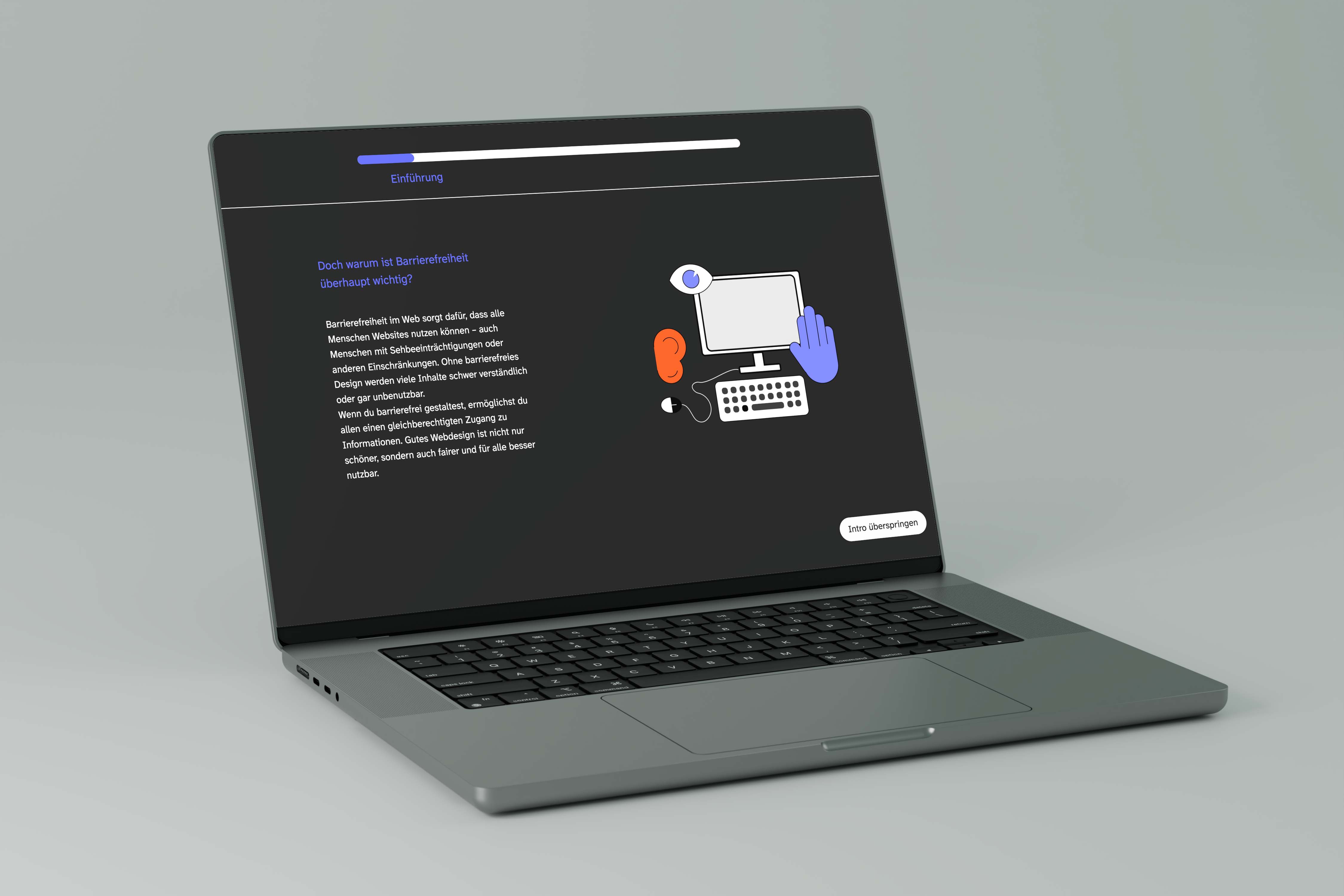
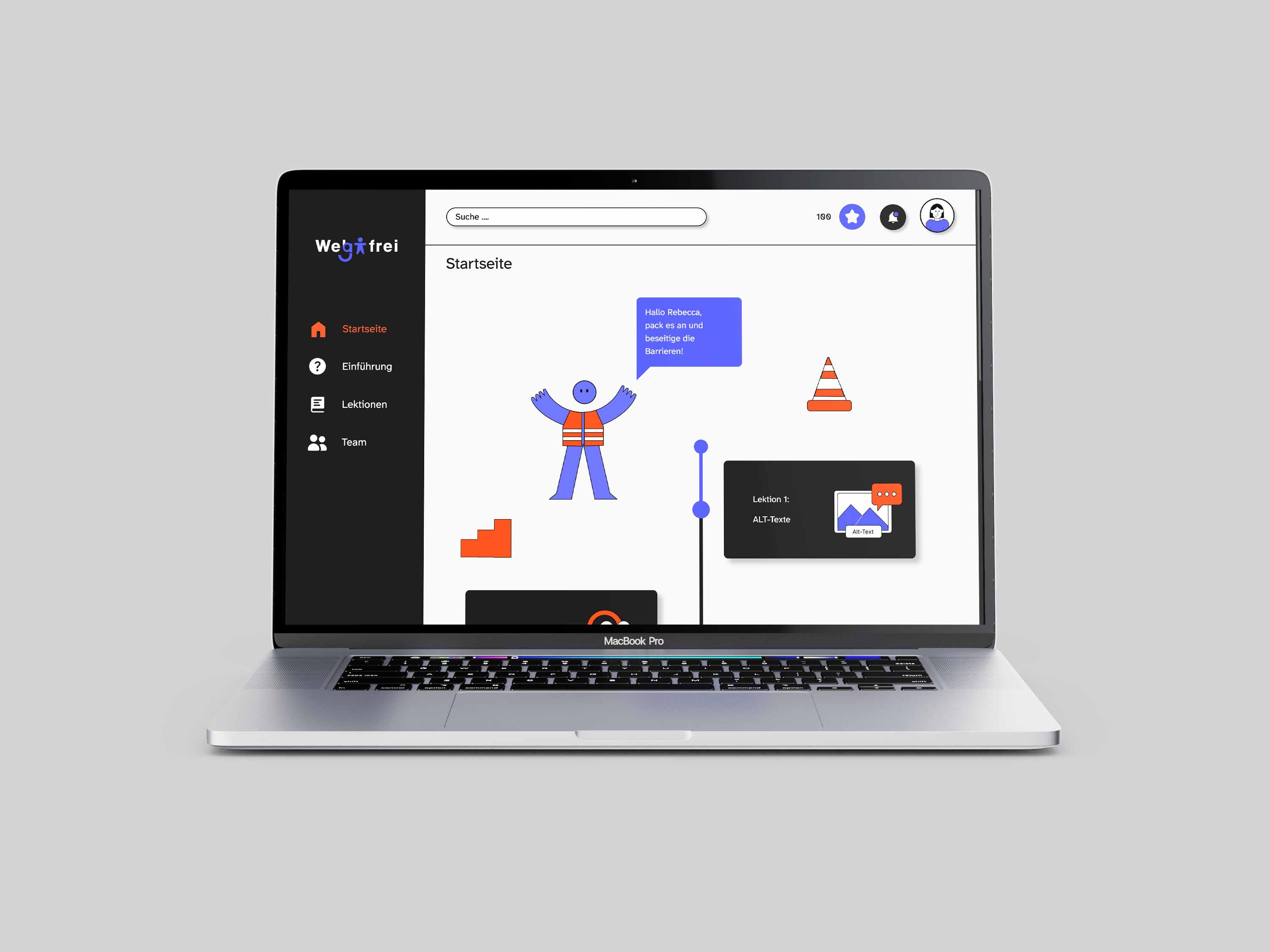
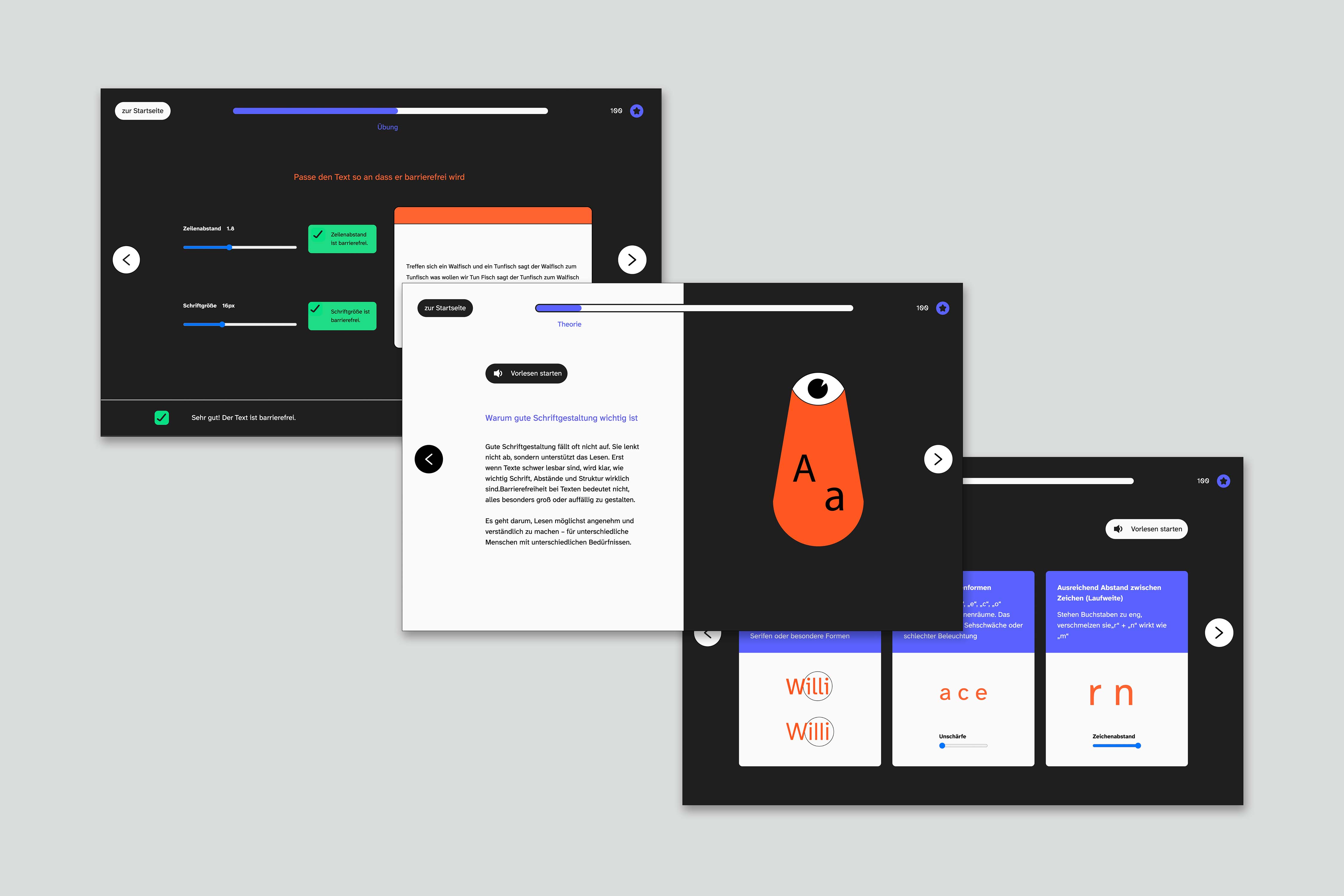
The design follows guidelines for accessibility, such as contrast, font sizes, and clear legibility and visibility of illustrations and text. A mascot guides users through the application. The website was also designed to comply with WCAG 2.1 guidelines.
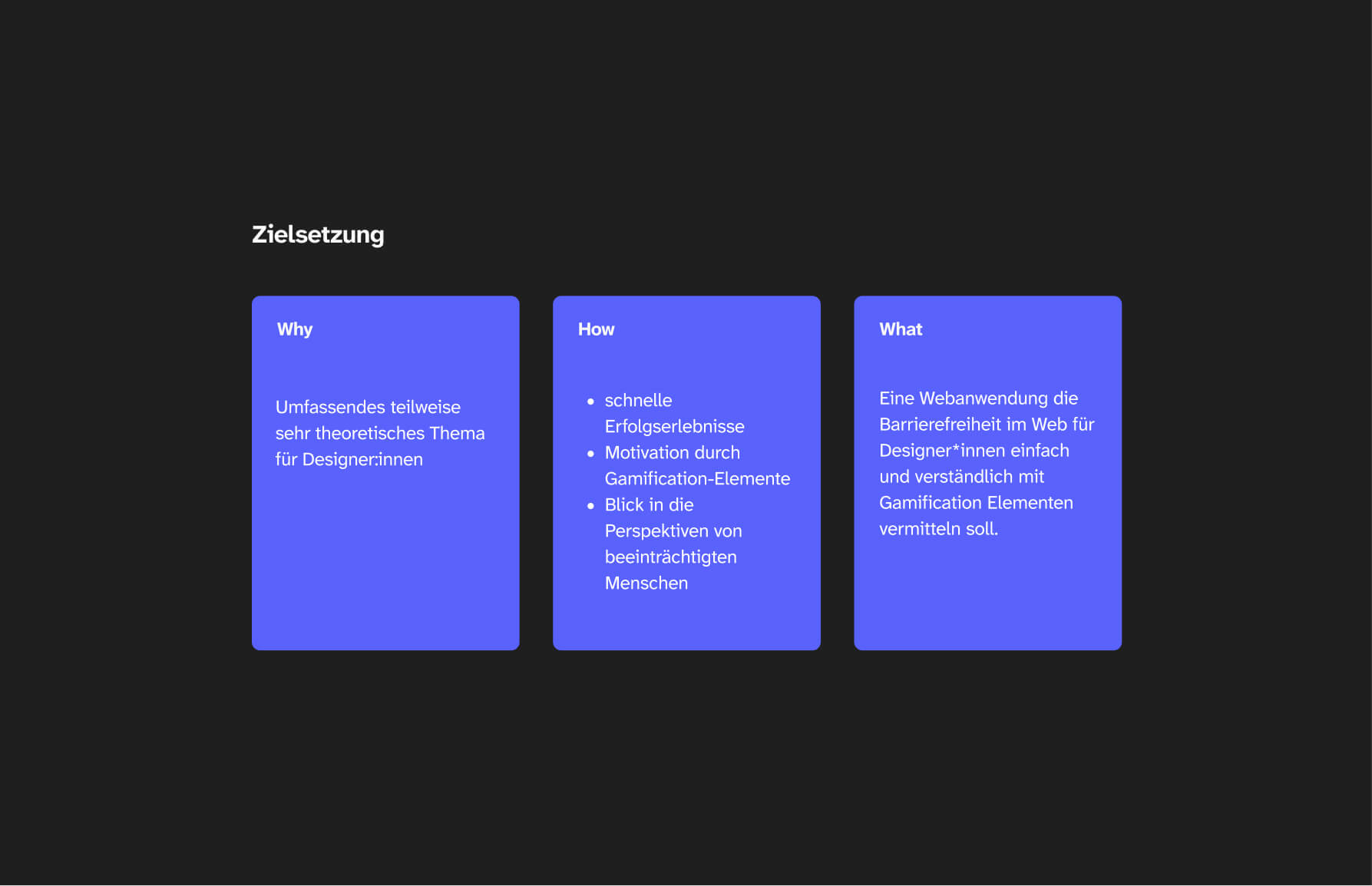
With my app, I wanted to make the very broad topic of “digital accessibility” easily accessible to designers, design students, and others, and to spark their interest. Gamification elements help keep users motivated and engaged.
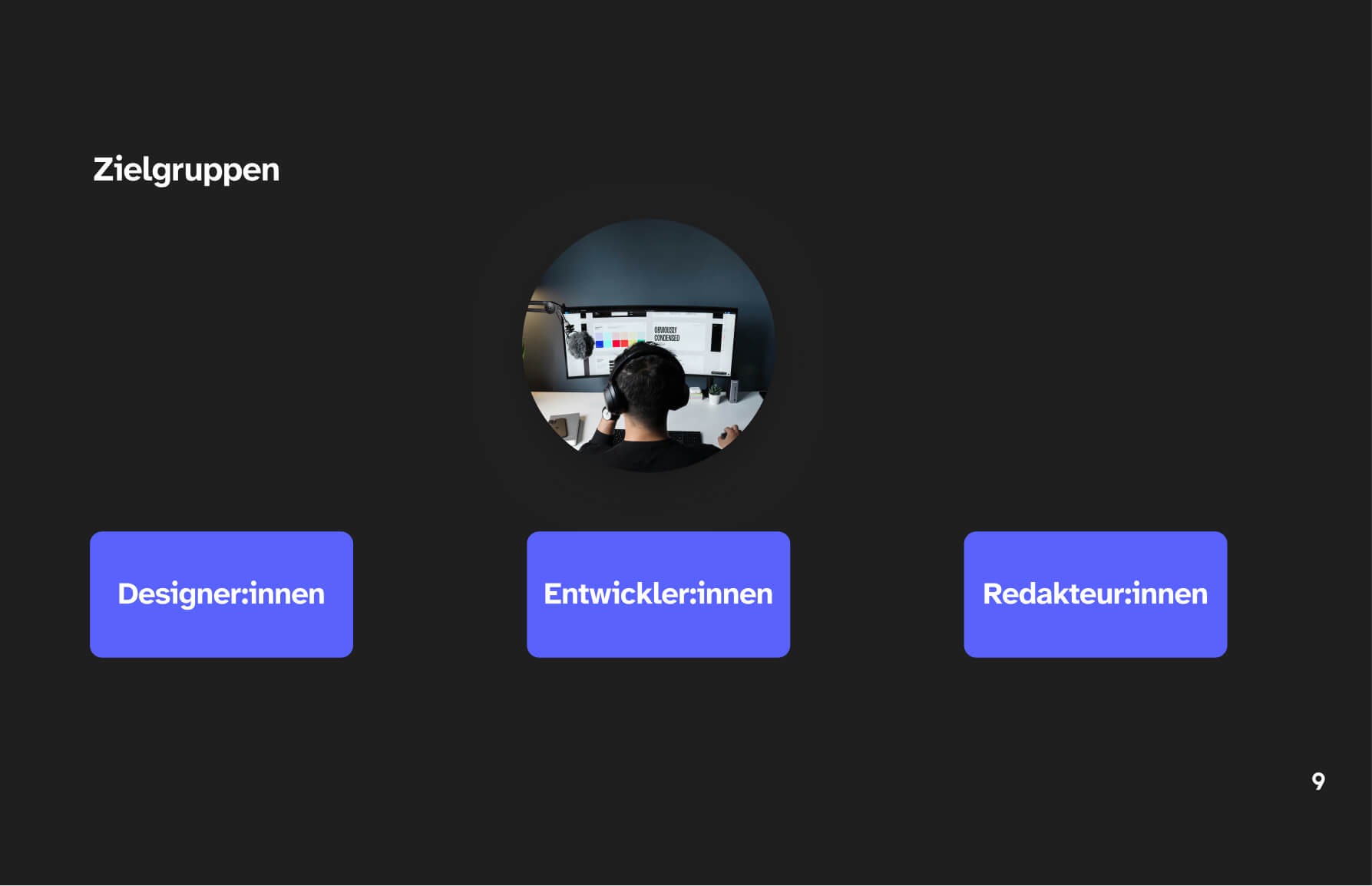
For my target groups, I focused primarily on designers and future designers. However, the application may also be of interest to developers or editors.
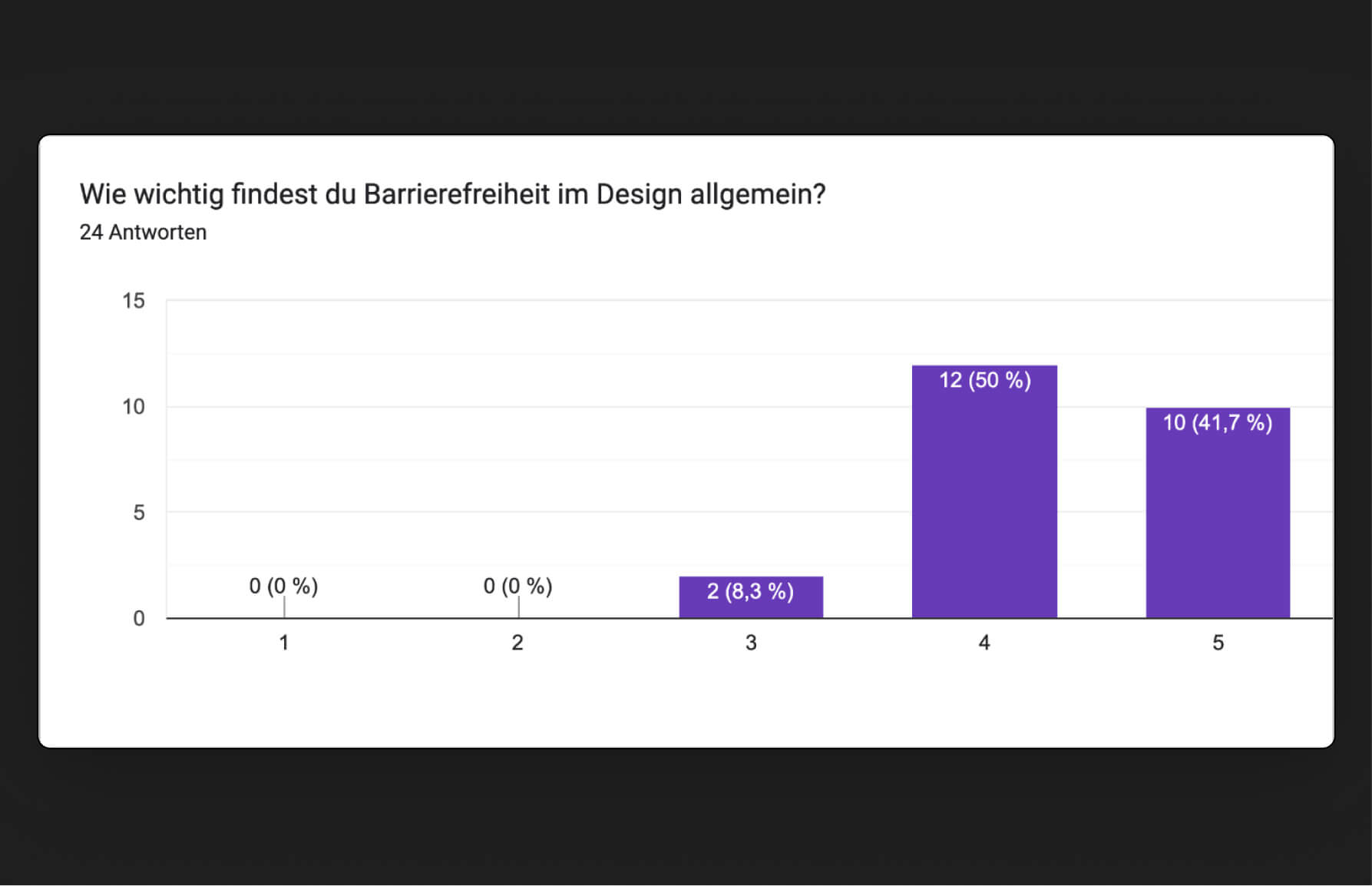
Using a Google Forms survey, I learned more about my target group’s learning needs, as well as their current knowledge of digital accessibility and their preferred topics related to this issue.
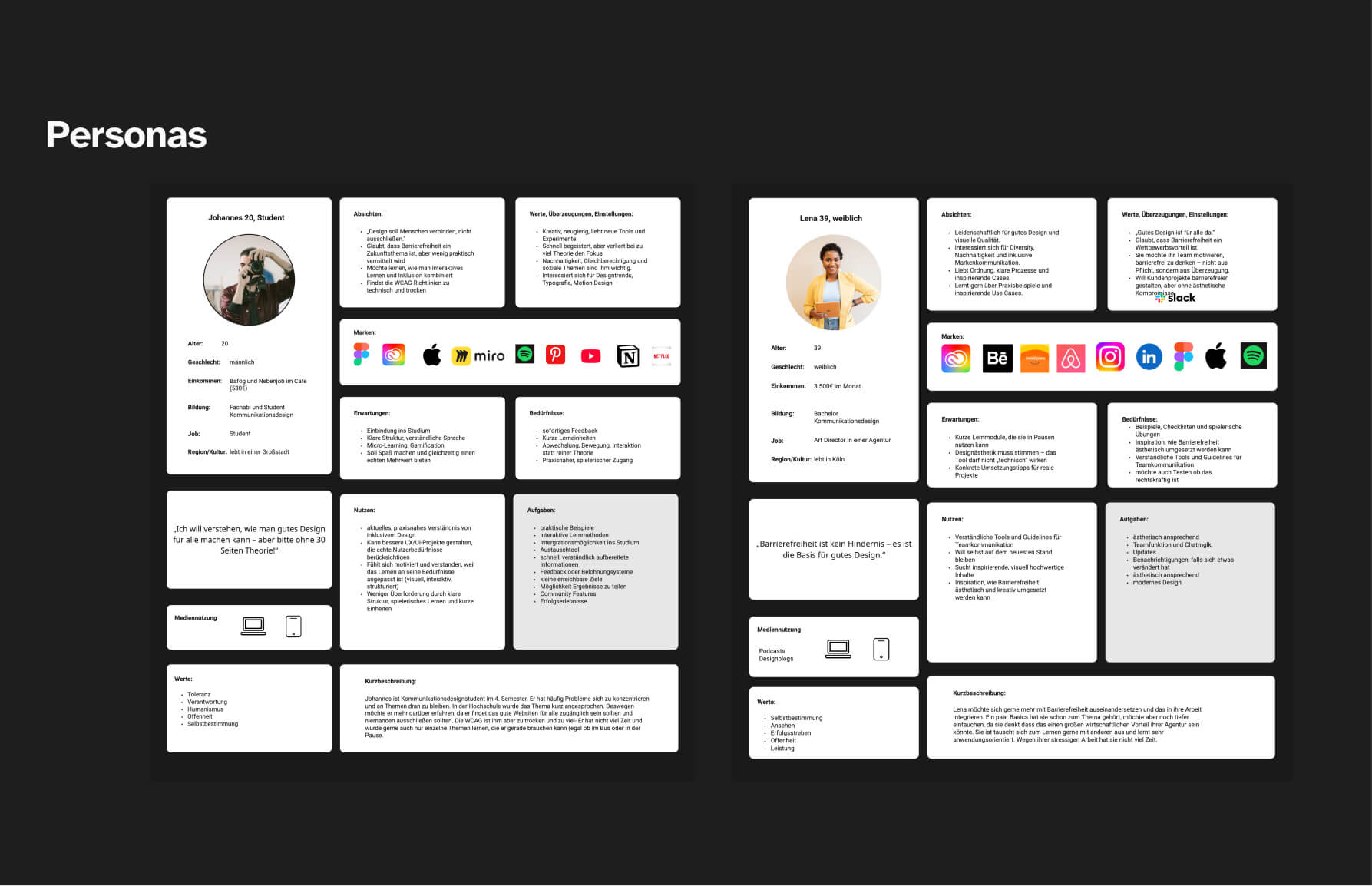
For my target group of designers and design students, I created two personas, complete with acceptance criteria and needs. I also incorporated the results of my survey into this process.
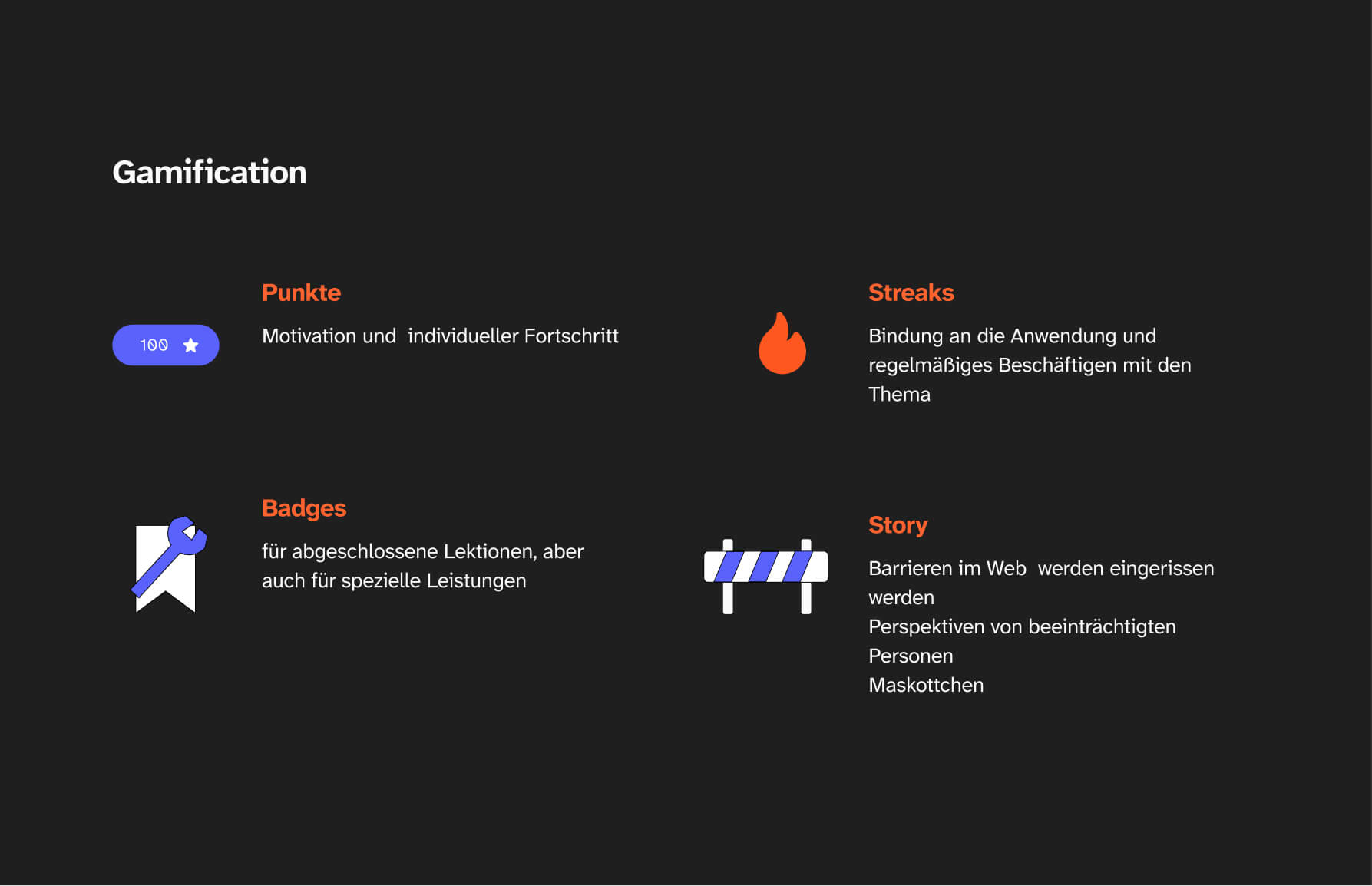
I thought about which gamification elements could be used effectively to motivate users. In the end, I decided on points, streaks, badges, and a compelling story.
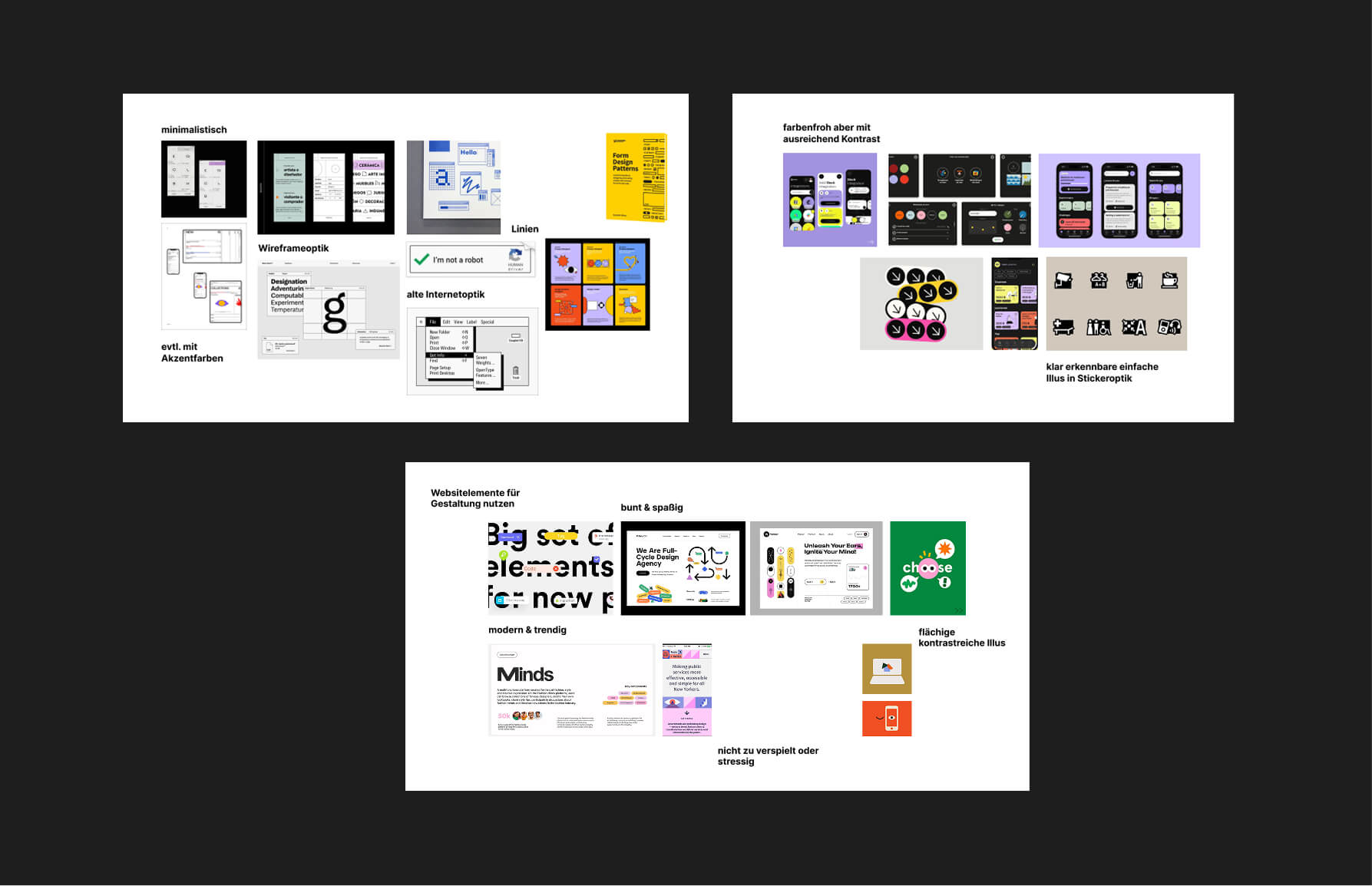
To finalize my design, I created three mood boards: a simple one with linear elements and two very colorful versions. In the end, my final design was a combination of these versions.
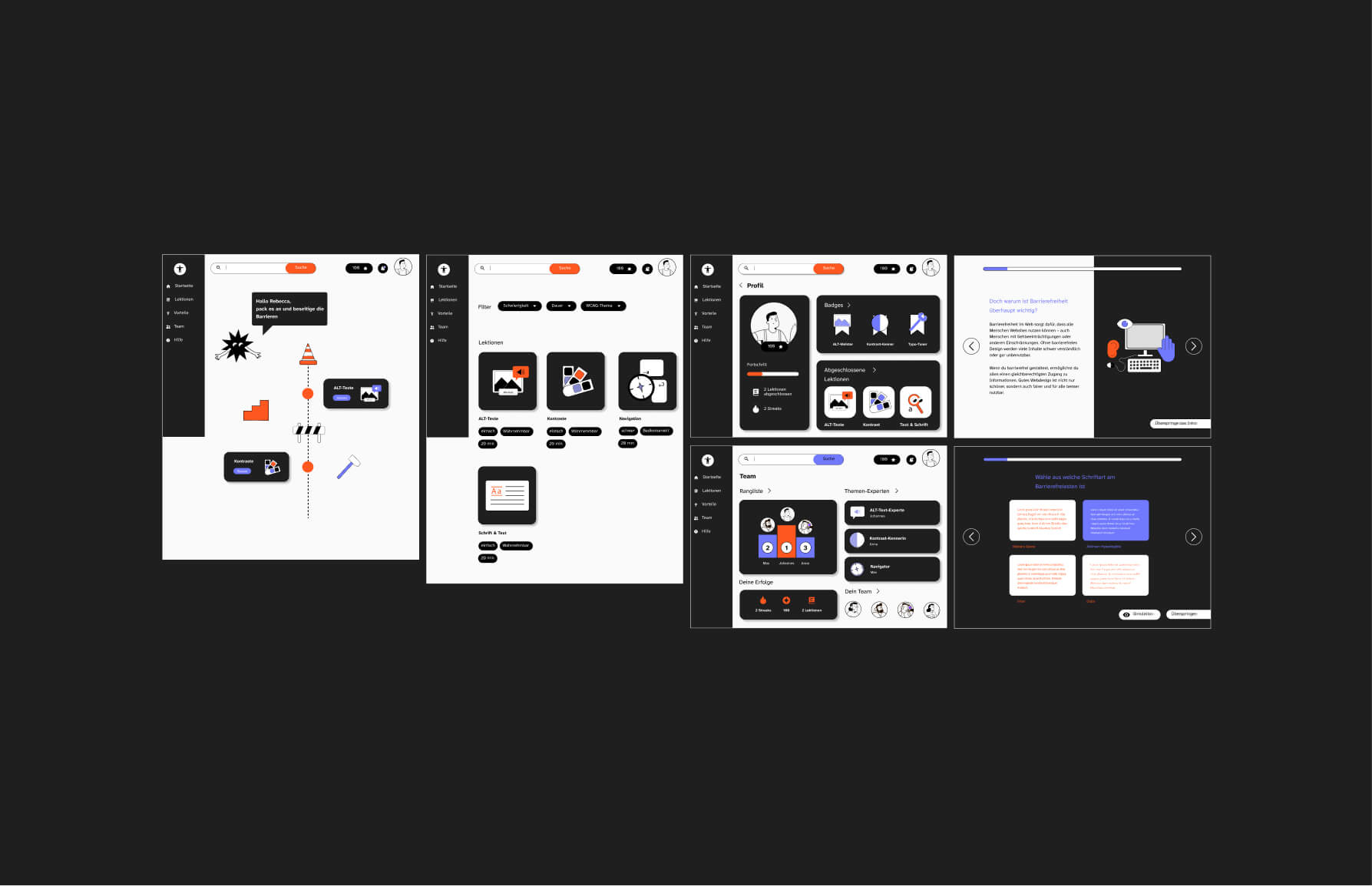
My final design combines a functional, minimalist aesthetic with flat-design-style illustrations. Two contrasting colors provide visual accents, ensuring the minimum contrast requirement is met without overwhelming the viewer.
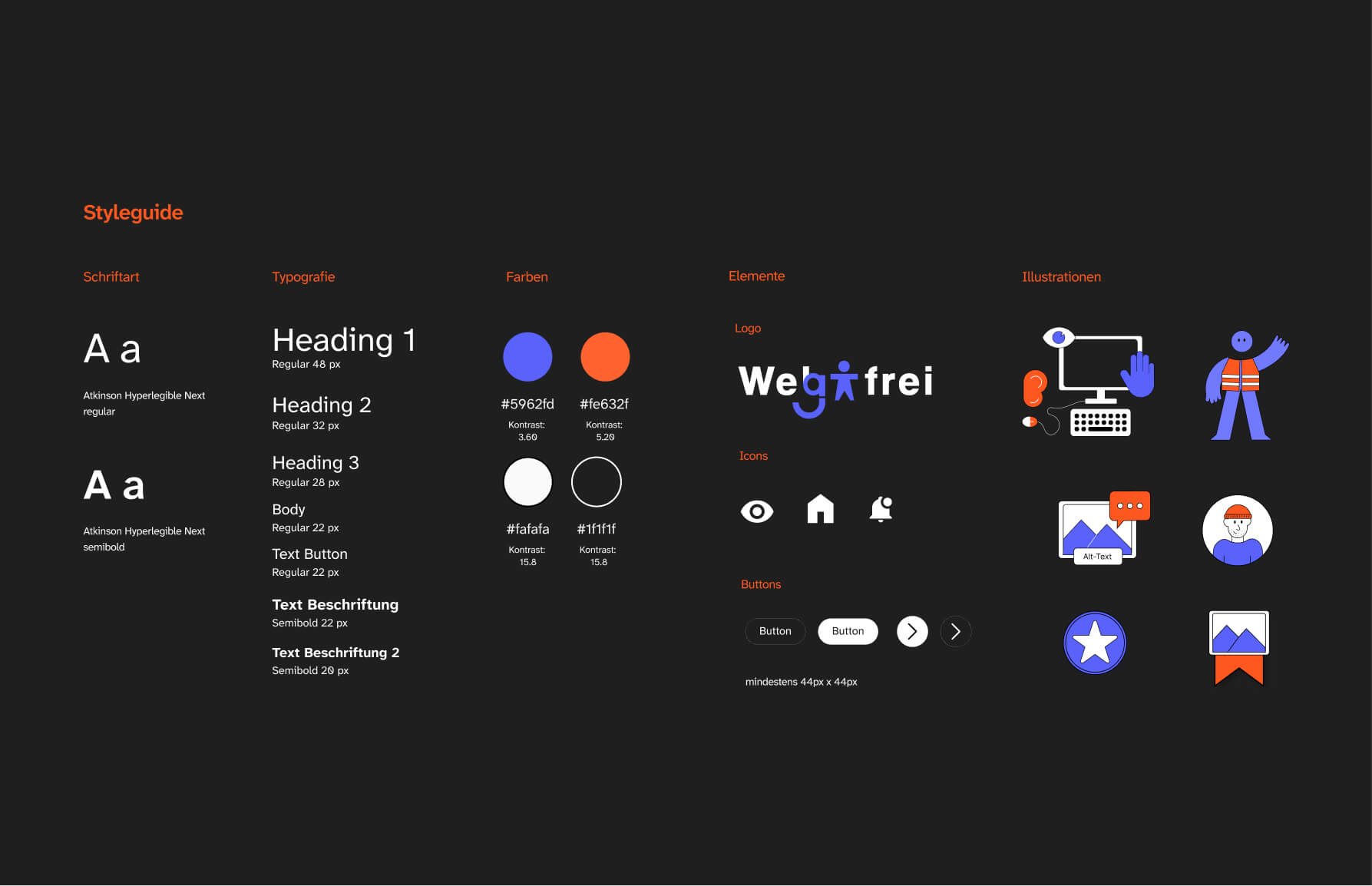
I combined my design guidelines, including all font styles, into a style guide. The website was built as a functional prototype with four lessons using Webflow.
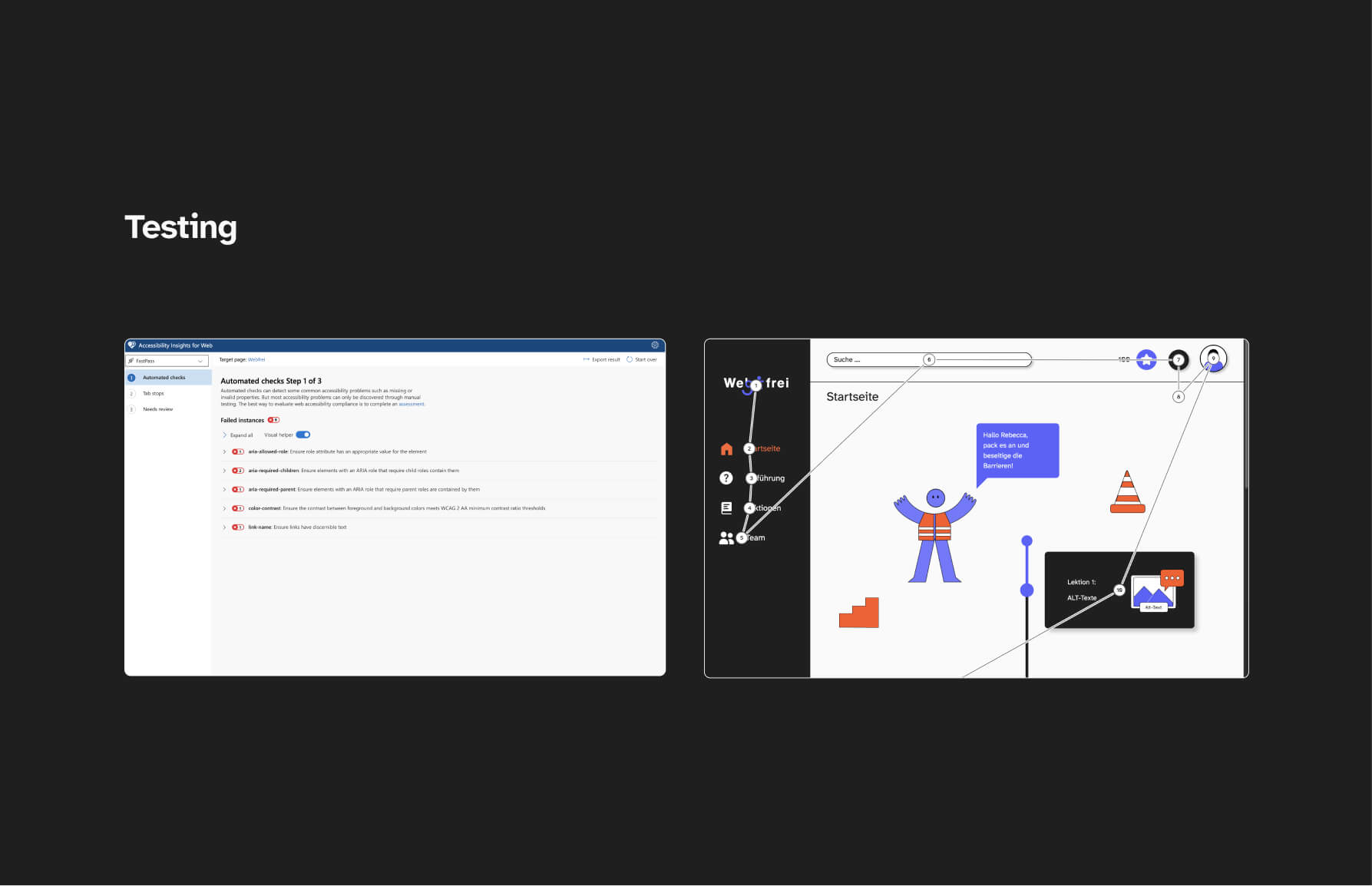
I ran a few accessibility checks on my website using various tools and was able to identify and fix a few issues.
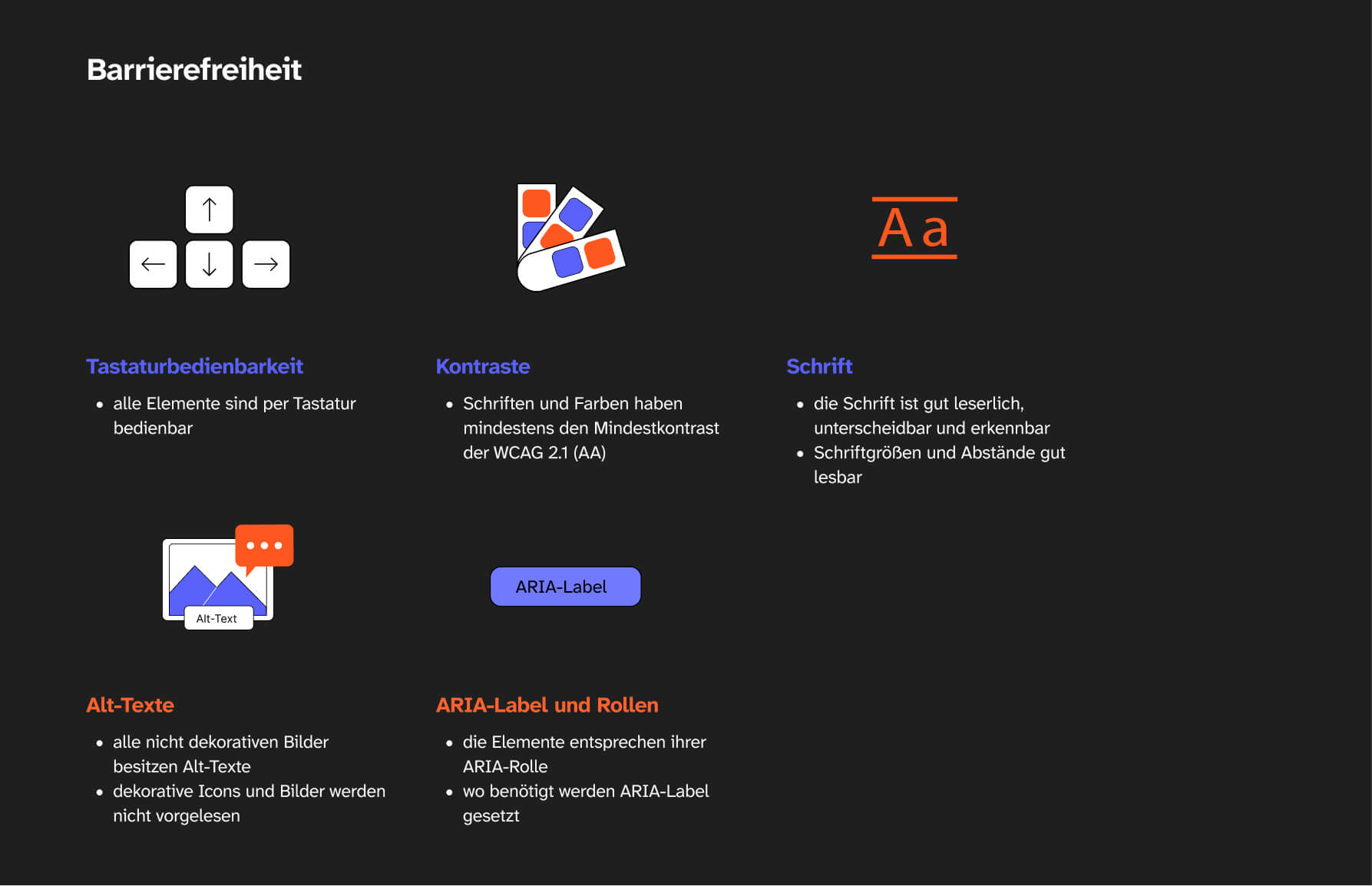
When it comes to digital accessibility, I followed the WCAG 2.1 guidelines. I focused on contrast, typography, keyboard navigation, alt text.